
Vintage photo & video editor
Your photos, printed on film.
Vellum turns the photos and clips already on your phone into something that looks found in a shoebox: warm film colour, soft grain, a light leak at the edge and the date glowing in the corner. 144 presets, 92 effects, frames and templates. No watermark, ever.
- 144 film presets
- 92 effects
- Photo + video
- No watermark
- Photos stay on your phone

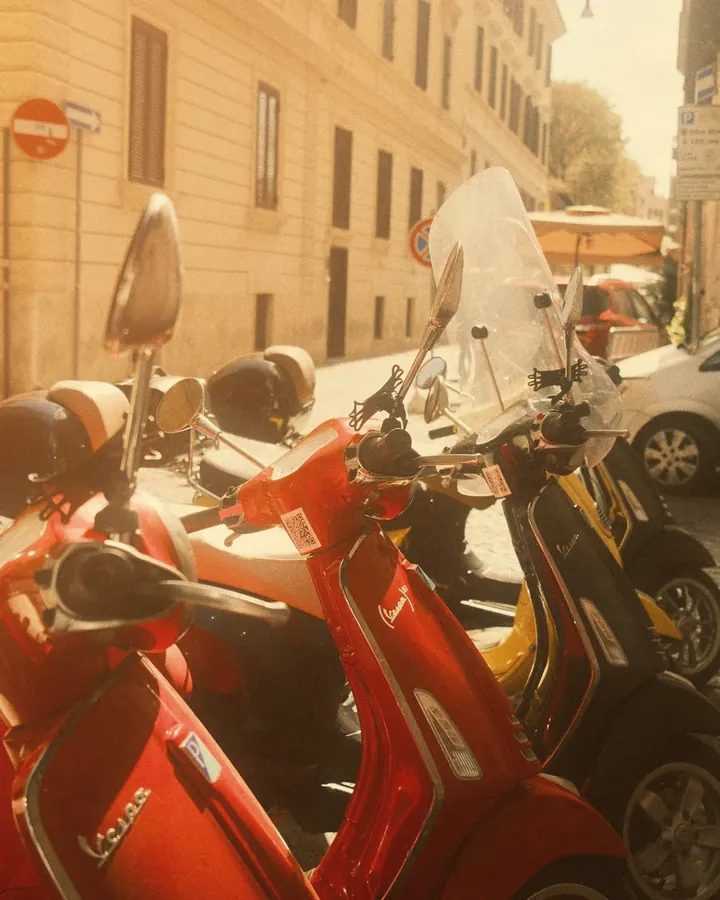





144 presets · 12 families
Pick a film, then dial it in.
Every preset has a strength slider, so a look can be a whisper or a shout. Heart the ones you reach for, and save your own mix of preset, effects and adjustments as My presets with Pro. Three presets in every family are free.











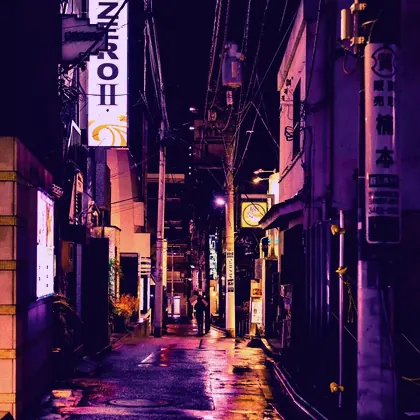
92 effects · 10 kinds
Light, dust, weather and tape.
Effects are drawn fresh for every photo, so no two light leaks or dust patterns repeat. Stack them on any preset and set how strong each one is. The first three of every kind are free.

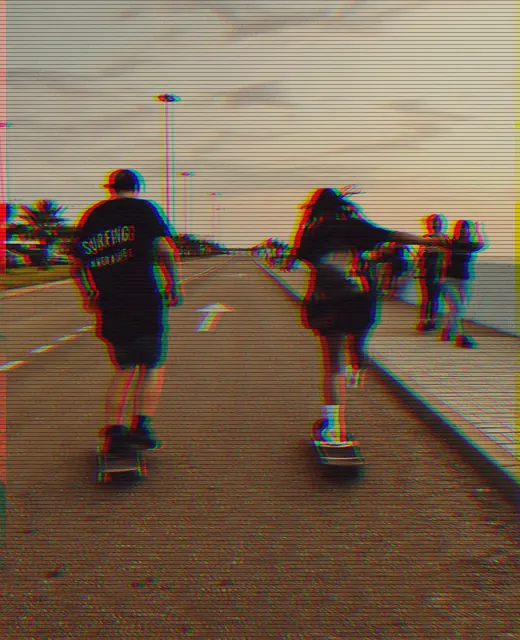


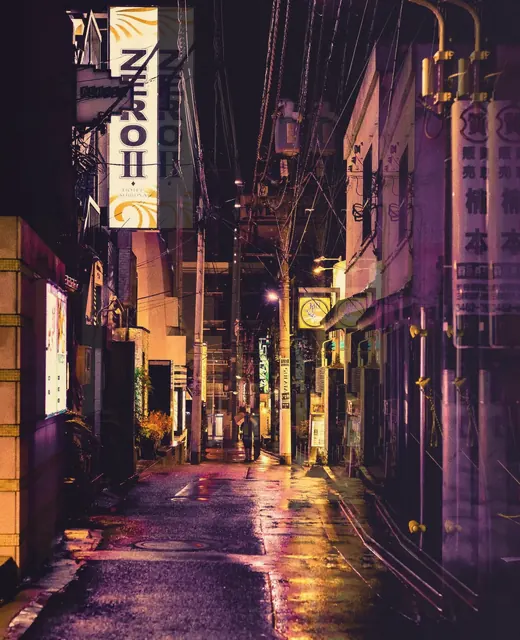

- Light leaks
- Texture, dust & scratches
- Film burns & halation
- Grain
- Plastic wrap
- Paper
- Glass & prism
- VHS
- Weather
- Shadows
The darkroom
Everything after the click.
18 adjust tools
Exposure, brightness, contrast, highlights, shadows, saturation, vibrance, warmth, tint, fade, sharpness, grain, vignette, blur, glow, haze, glitch and RGB shift. All free.
The date stamp
LED digits, dot-matrix or typewriter, with today's date, the photo's date or any date you choose. Three styles are free.
16 frames
Instant prints, 35mm and 120 film, slide mounts, deckle and scalloped edges, stamps, album corners, darkroom tape and negatives. Four are free.
24 templates
Stories and posts in four styles: Minimal, Paper, Film and Instant. Drop photos in, edit each one, save. Two per style are free.
Copy, paste, batch
Copy one edit and paste it onto a whole trip's worth of photos, then save them together. Free batches take 3 at a time.
Crop and straighten
Square, 4:5, 9:16, 3:2 and more, plus rotate, flip and a fine straighten dial. Nothing is final: the original stays untouched.
Video, too
The same presets and effects on your clips, plus VHS, jitter, prism and a choppier 24, 18, 12 or 8 fps. Trim and mute before you save.
Black or paper editor
Edit on black so the photo pops, or on warm paper white. Light and dark app themes and 20 languages.
Edits you can undo next week
Imports live in Vellum's own library with their edits, so you can come back, change the preset and save again.
Two apps, one editor
Vellum or Vellum Studio?
Both apps have exactly the same editor and the same free tools. The only difference is how they pay for themselves. Pick the one that suits you; you don't need both.
Vellum
app.filmode.vellum
- No ads, ever, and no advertising ID
- Free download with the full free tier
- Vellum Pro by subscription (weekly, monthly or yearly) or a one-time lifetime unlock
- Privacy policy: Vellum privacy
Vellum Studio
app.filmode.vellumcam
- Free, supported by ads (banner on the library and Settings, a full-screen ad after some saves)
- Watch a short ad to try every Pro tool for 30 minutes
- The same Vellum Pro purchase removes every ad
- Privacy policy: Vellum Studio privacy
Free and Pro, side by side
| Feature | Free | Pro |
|---|---|---|
| Film presets | 36 (3 per family) | All 144 |
| My presets (save your own) | — | Yes |
| Effects | 30 (3 per kind) | All 92 |
| Adjust tools, crop, rotate, straighten | All 18 | All 18 |
| Frames | 4 | All 16 |
| Date stamp styles | 3 | All 9 |
| Story and post templates | 8 (2 per style) | All 24 |
| Batch save after copy & paste | Up to 3 at once | No limit |
| Photo save size | 2048 px | 4096 px |
| Video export | 15 s at 720p | Any length, 1080p |
| Video prism, 12 and 8 fps | — | Yes |
| Watermark | Never | Never |
| Ads (Vellum Studio only) | Yes | None |
Vellum Pro is a weekly, monthly or yearly subscription, or a one-time lifetime purchase, sold through Google Play. Prices are shown by Google Play in your currency; a free trial or launch offer, if any, is shown before you confirm. Subscriptions renew until you cancel in Google Play. See the terms.
Your photos never leave your phone.
Every preset, effect and export is made on the device. There's no account and no cloud. Vellum sends only anonymous usage counts and crash reports, which you can switch off in Settings. Vellum Studio also shows ads, explained in its own policy.
Questions
What is the difference between Vellum and Vellum Studio?
They are the same editor. Vellum has no ads at all. Vellum Studio shows ads and lets you watch a short ad to try Pro for 30 minutes. In both apps, Vellum Pro unlocks every preset, effect, frame and template, and in Vellum Studio it also removes the ads.
Does Vellum add a watermark?
Never, on free or Pro saves, photos or videos.
Are my photos uploaded?
No. Every edit is made on your phone. Imported photos are copied into the app's private storage and saved results go to Pictures/Vellum and Movies/Vellum. See the privacy policy.
Can I edit videos?
Yes. Videos get the same presets and effects plus VHS, jitter, a lower frame rate, trim and mute. Free exports run up to 15 seconds at 720p; Pro exports 1080p at any length.
Can I edit many photos at once?
Yes. Copy the edit from one photo and paste it onto as many as you like, then save them together. Free batch saves take up to 3 photos at a time; Pro has no limit.
Will Pro carry over to a new phone?
Yes. Sign in with the same Google account and tap Restore purchases in Settings. More on the support page.